Update EBC Translation Session ID
This for is for projection or audio team to enter the code provided from the Microsoft Translate app using the instructions shown below.
The link on the QR code will be updated to point to the latest translation session code.
Once you set this code, users will be enabled to access the conversation for 90 minutes via https://tx.ebcleeds.org.uk.

Setup Guide
- Open Microsoft Translator App
- Select Conversation Mode
- Click Start
- Enter name as "EBC Leeds"
- Enter language as "English"
- Click Enter
- Fill in the form above with the 5 letter code that is shown (e.g. RHUZL)
- Click Enter
- Click on ...
- ‘Show Original Text’: On
- Show Partial Messages: On
- Presenter Mode: On (This is Crucial, because otherwise the translation will time out when a song causes a break in the speech input)
- Mute All: On
- Don’t Lock Conversation
- Turn on Mic when ready
QR codes
These will always redirect to the Microsoft Translate site, pre-entering the code for the user that's been entered in the form above.
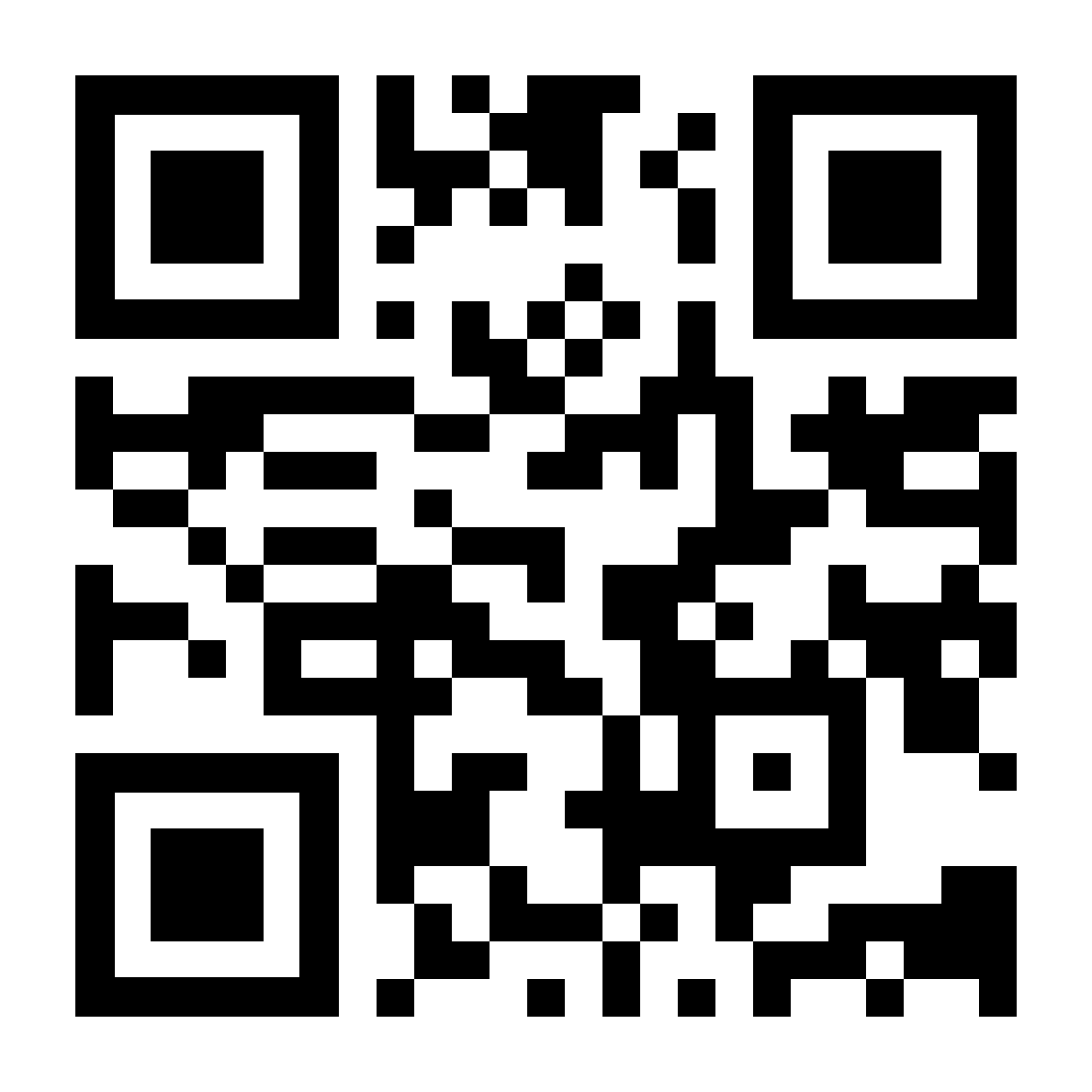 1000px x 1000px
 400px x 400px
Generated by qrcode-monkey.com/ using URL https://tx.ebcleeds.org.uk.
Notes
- The following addresses all point to the same place:
- https://translator.ebcleeds.org.uk
- https://translate.ebcleeds.org.uk
- https://tx.ebcleeds.org.uk (for easy manual entry on keyboard for non-english speakers, and preview-able on mobile phone QR code reader)
- After 90 minutes after setting the code above, the links above will goto a "service unavailable" message. This is so people arriving for the following service don't accidently pick up the code from the previous service. The redirect and code entry will only be available once a new code has been entered on this page.